
Mobile game systems research
Better decisions start with real games.
Research the screens and player flows behind onboarding, monetization, and retention. See what real mobile games do, in the order players see it.
Free account. No card required. Pro when you need the full picture.
Inside the library
Explore games →Real captures. Searchable screens. Flows in capture order.
- 25
- mobile games
- 1,887
- captured screens
- 186
- chronological flows
Real games. Ready to research.
All 25 games →
Sled Surfers
Brain Test
Flop House
Meowdoku!

Screwdom

Find Differences
Last Asylum

Frost World

Fluffy Drop

Perfect Makeover Cleaning ASMR
Match Factory
Magic Sort!
Little Farm Story
Train Miner

Block Out! Color Sort Puzzle
Eatventure
Royal Smash
XP Hero

Merge Cooking: Theme Restaurant

Search It

Hooked Inc

Colony Flow!
Lumber Inc
Snake Clash
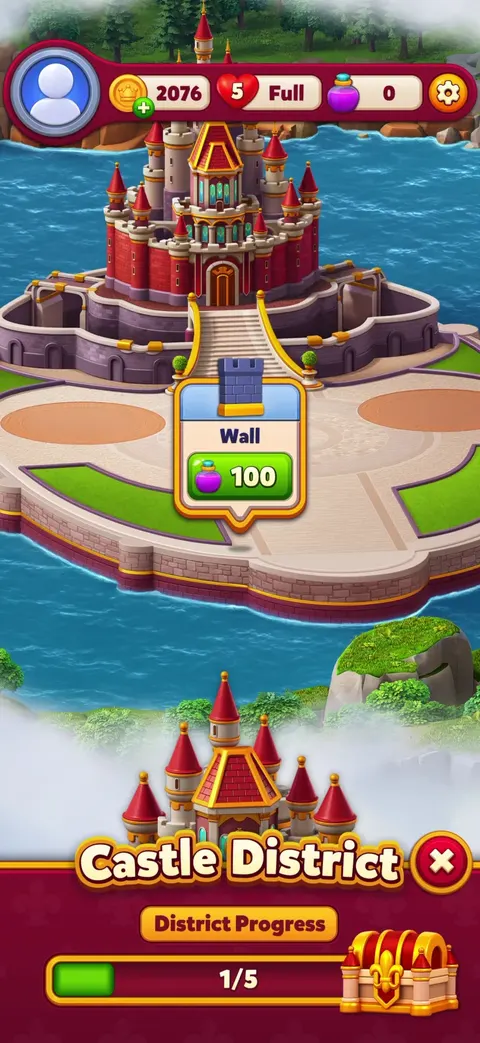
Royal Kingdom
Research the decisions around the gameplay.
From the first tutorial to the offer after a lost level, understand how games introduce systems and keep players moving. Find references you can reason from, with the surrounding steps still attached.
Screens in the order players saw them
You see the whole run, not one picture. Opening the game, the tutorial, losing a level, the offer right afterwards. What comes next is usually the interesting part.
Sorted by what it actually is
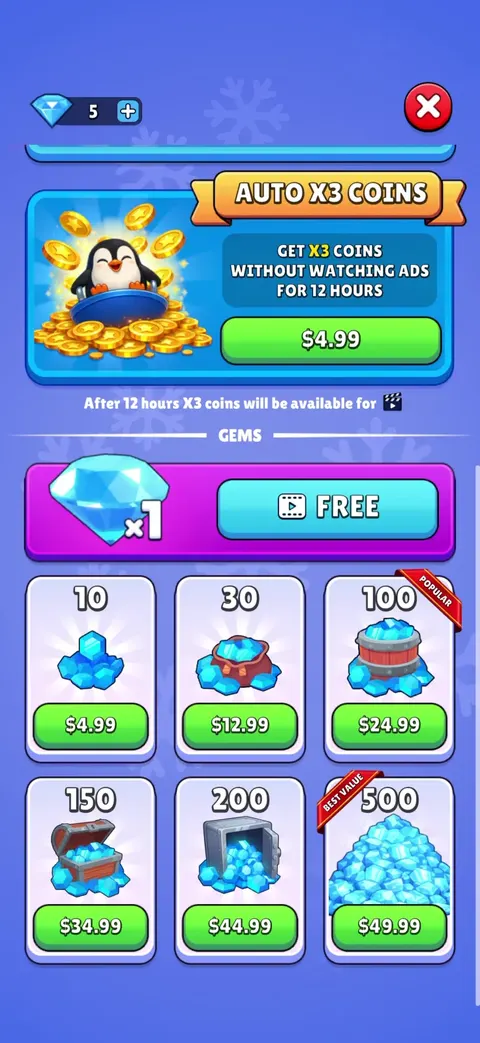
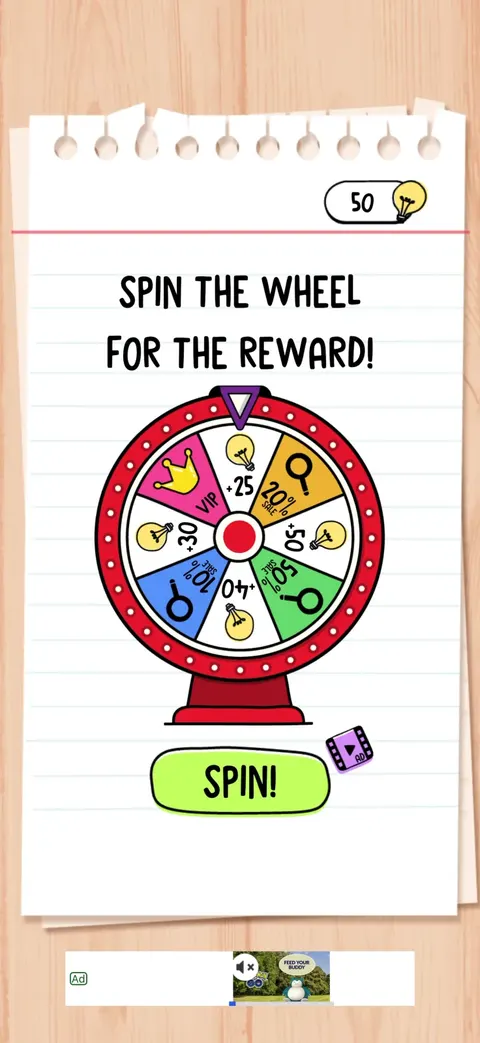
Shops, daily rewards, energy and lives, battle passes, loot boxes. Pick the thing you are building and see how other games did it.
Search the words on screen
We read the text in every screenshot. Search the exact words games use to sell an offer, or to win someone back.
What you can research
Start with the system you are building.
Onboarding & progression
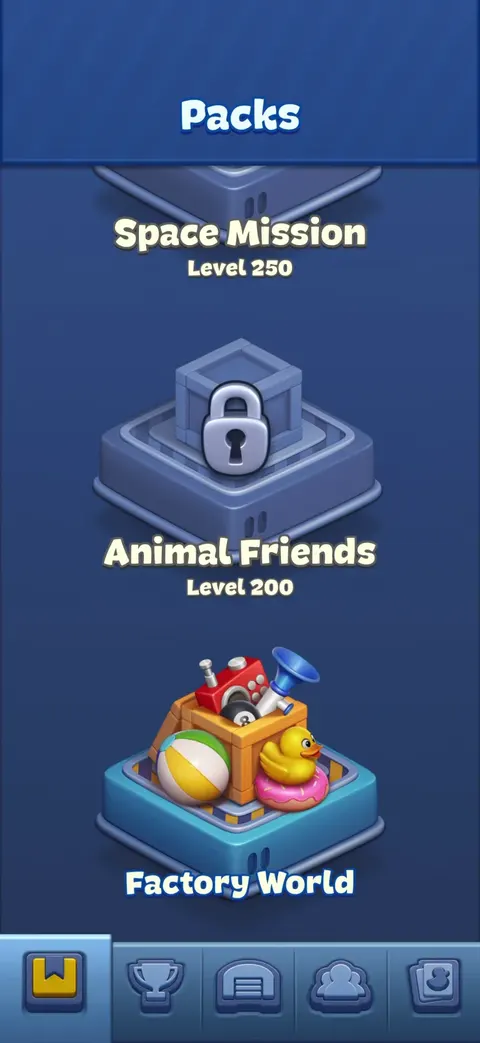
How a game teaches new players, what it unlocks first, and how fast it ramps up from there.
Onboarding flows →Economy & upgrades
Where coins and gems come from, what players spend them on, and what keeps them collecting.
Core loop flows →Monetization & rewards
What games sell, how they price it, and the exact moment they decide to ask.
Monetization flows →Retention & live systems
What brings someone back the next day, and what the game runs to keep them playing.
Retention flows →Games in the library
Captured from live builds and reviewed before anything is published.
Two ways to use it
Same library either way. Read it yourself, or let your coding agent read it for you.
Browse it yourself
Search, compare, and step through
Filter by game, by system, or by the words on screen. Open any flow and walk through it one step at a time. Save the ones worth keeping for whatever you are building right now.
Browse the libraryOr query it from your editor
Connect Claude Code or Codex over MCP
Ask it how puzzle games introduce energy, or to compare daily rewards across games, and it answers from these real screens instead of guessing. You sign in through your browser, so there is no key to copy. Included with Pro.
How MCP worksWhat this shows, and what it doesn’t
These are real recordings, so they show you what a game puts on screen and the order it does it in. They cannot tell you whether a game is fun, whether any of it made money, whether the economy is balanced, or what happens down every path we did not record. Use it the way you would use a good competitor teardown: something to reason from, not a spec to copy. How captures are made
See how it has already been done.
Start free to look around the library and preview any flow. Pro opens every flow end to end, the whole library, and access for your coding agent.
No card required. Pro is $9.99/month or $99/year.